 Relay
Switching AI
- Hit a ChatGPT limit? How to continue in another AIWhat to do when ChatGPT stops you mid-task with a usage limit: wait, switch models, or carry the conversation into Claude or Gemini with its context.
- How to get a second opinion from another AIAsking a second AI to review an answer catches mistakes and blind spots. How to set it up so the review is actually useful, not just agreement.
- How to copy a whole ChatGPT conversationChatGPT copies one message at a time. The ways to get a whole conversation out, what each one gives you, and the fastest route if you want to continue in another AI.
Long conversations
- Claude says the conversation is too long. Here's how to keep goingWhy Claude stops a long conversation, what you can do about it, and how to carry the context into a new chat or another AI without starting over.
- How to continue a conversation in a new chatWhen a chat gets too long or slow, start fresh without losing your place: how to carry the context into a new chat in the same AI, or into a different one.
Context
- How to give an AI the context from another chatA new chat starts empty. What context to bring over from an earlier conversation, how to structure it, and how to do it without copy-paste.
What Relay looks like
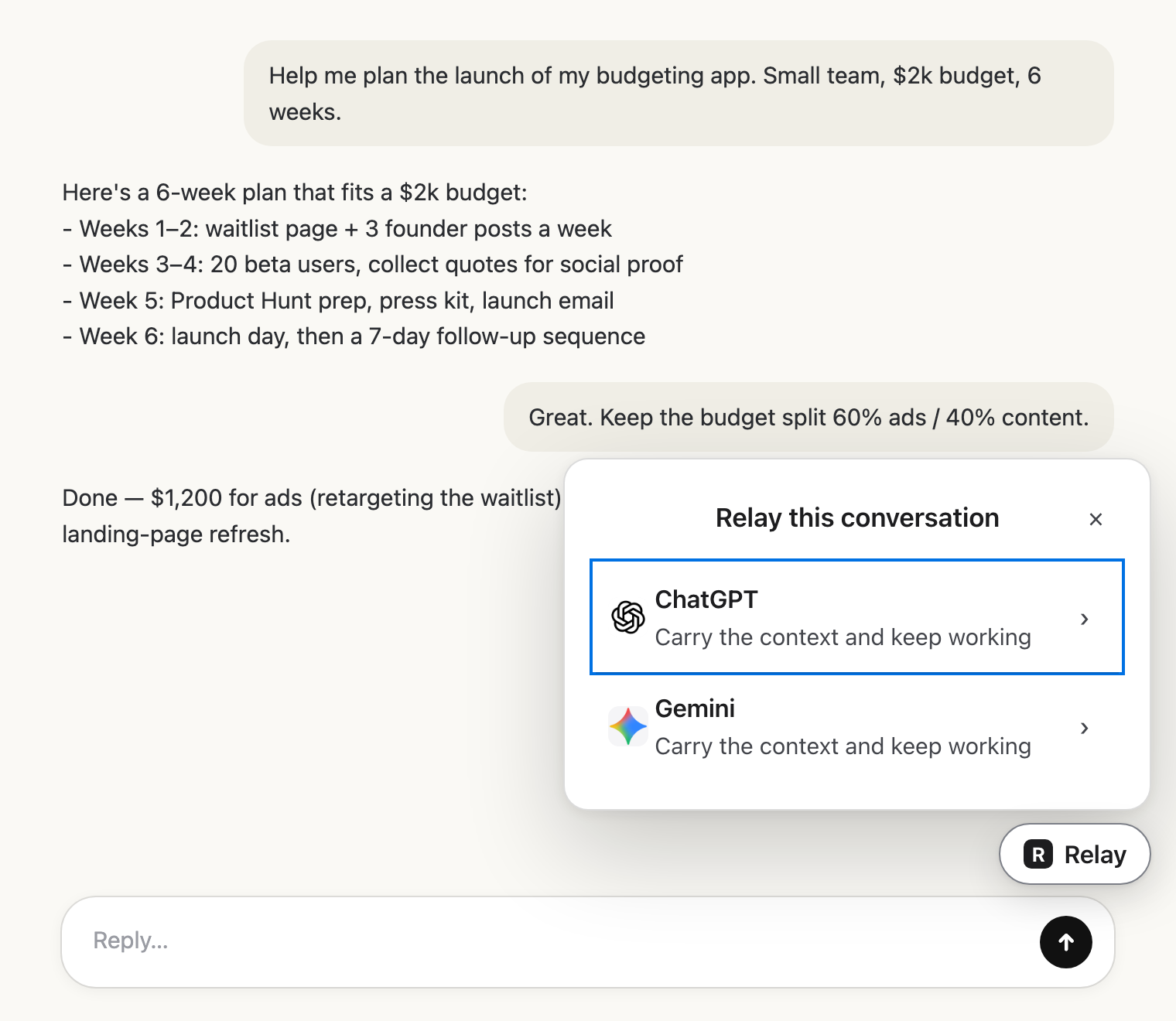 Pick the next AIClick Relay in the chat and choose where it goes.
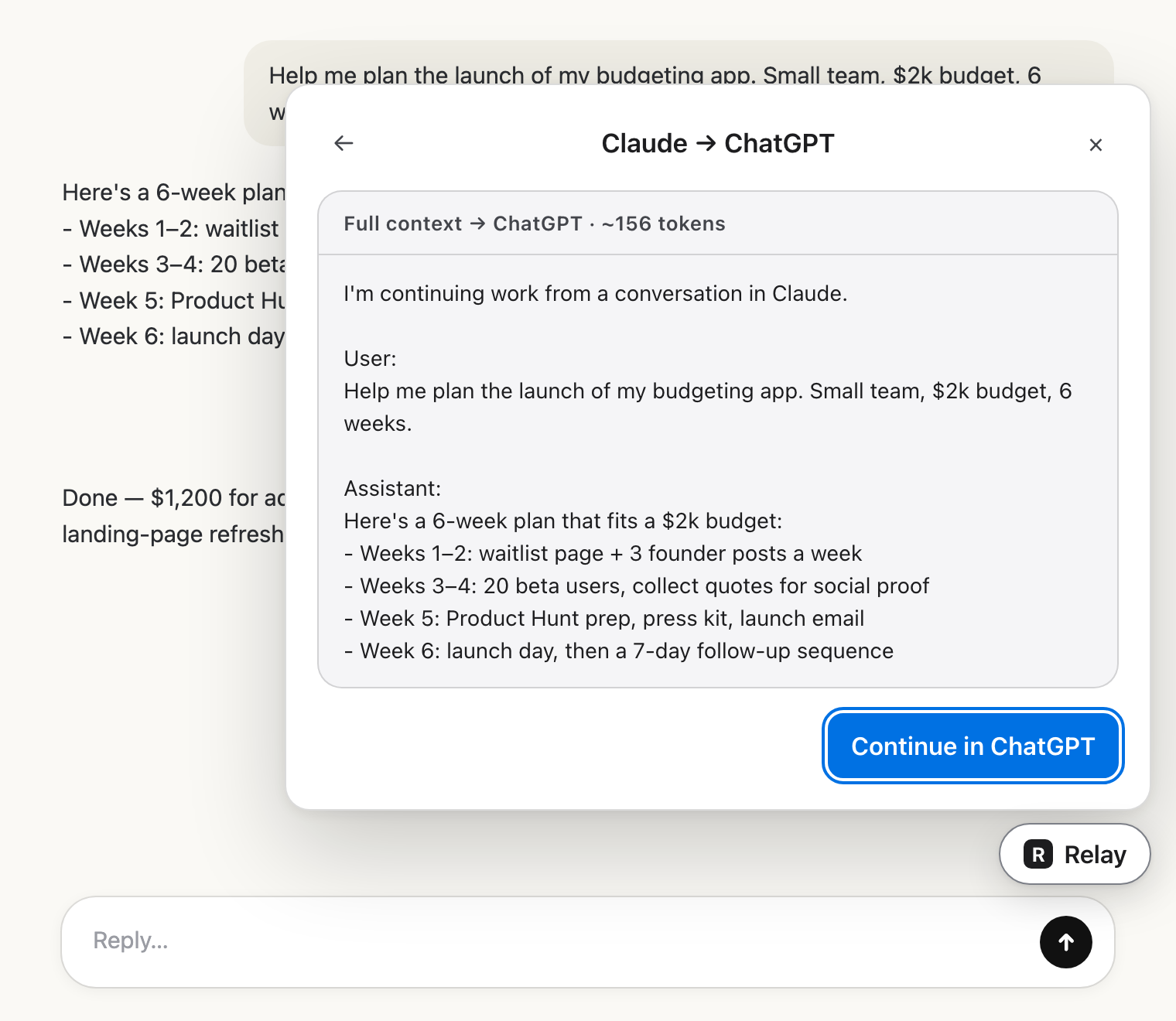 Check the hand-offRead exactly what the other AI will get.
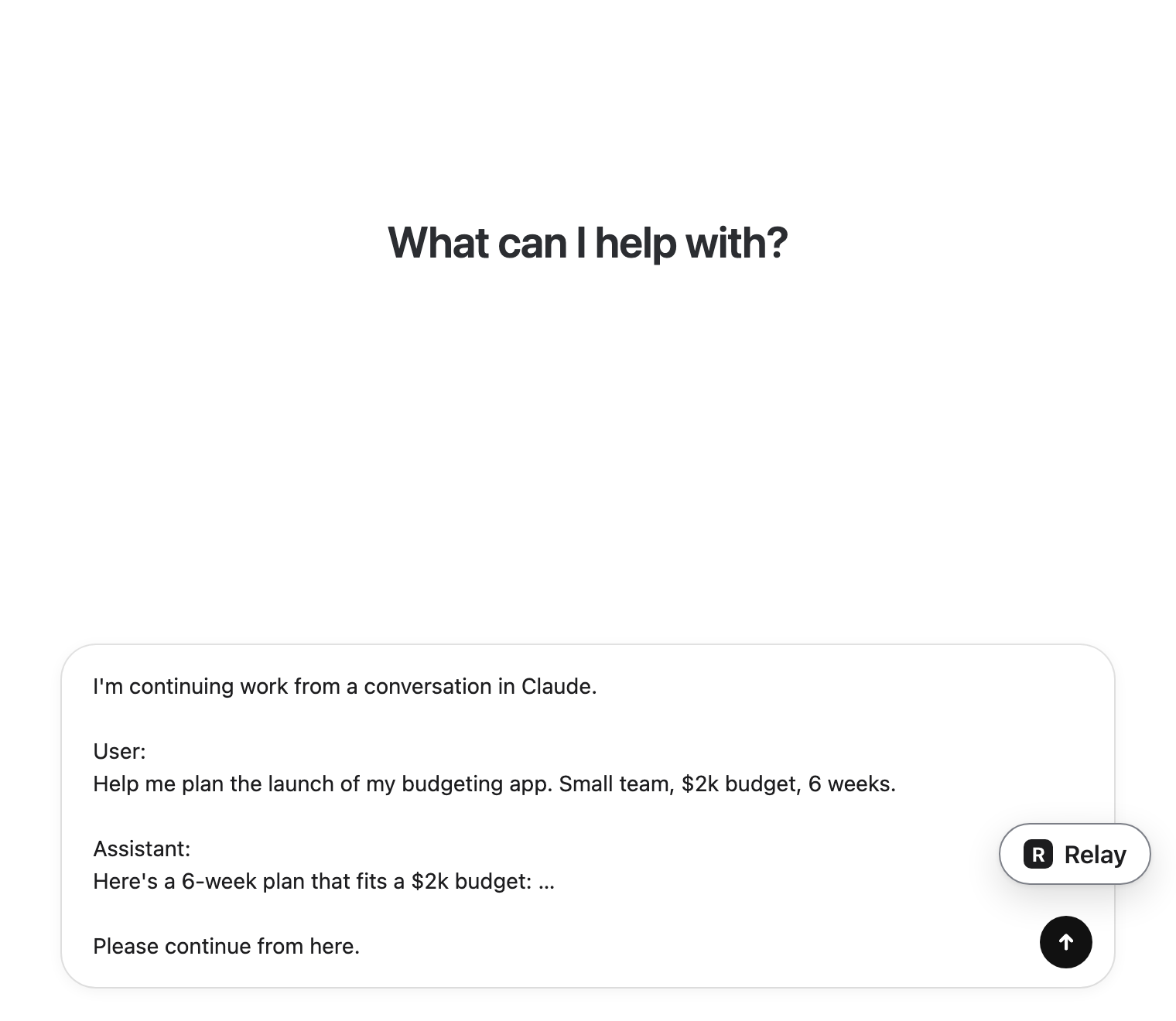 Carry on thereIt lands in the message box. You press send.