 Relay
Whether you're starting a new chat in the same AI or switching to a different one, the new conversation knows nothing about the old one. What you bring over decides how good the next answer is.
Doing it with Relay
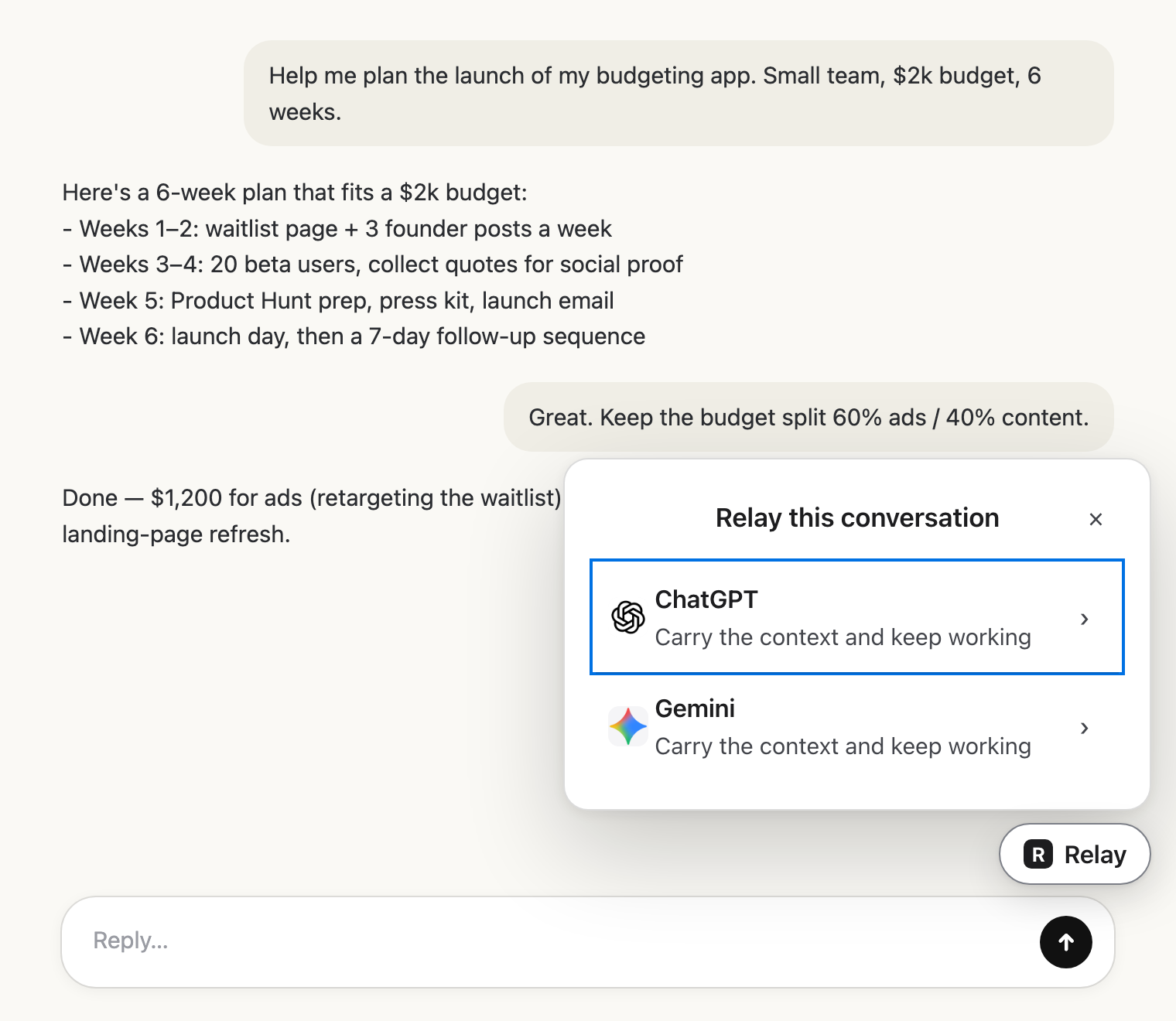 Pick the next AIClick Relay in the chat and choose where it goes.
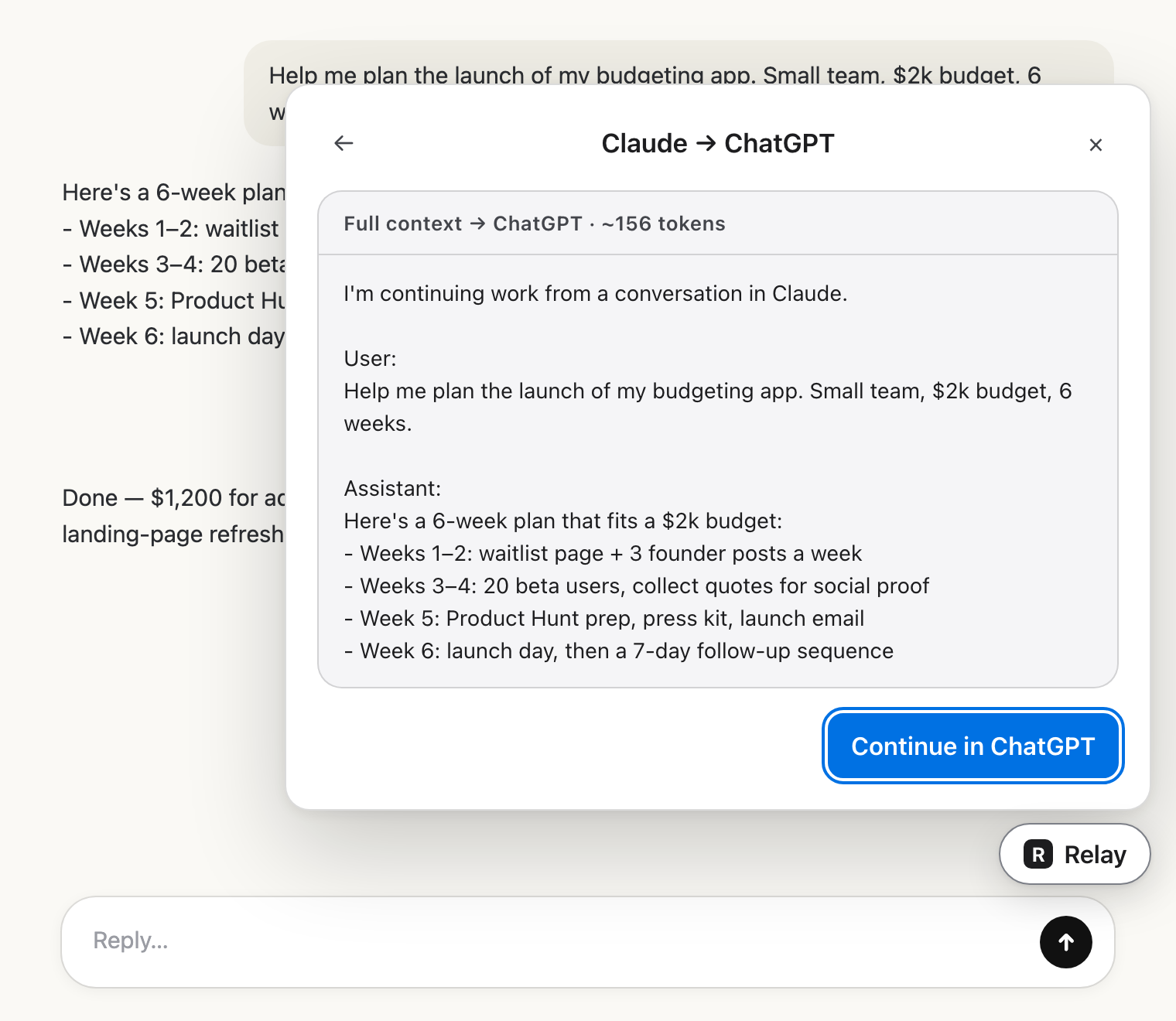 Check the hand-offRead exactly what the other AI will get.
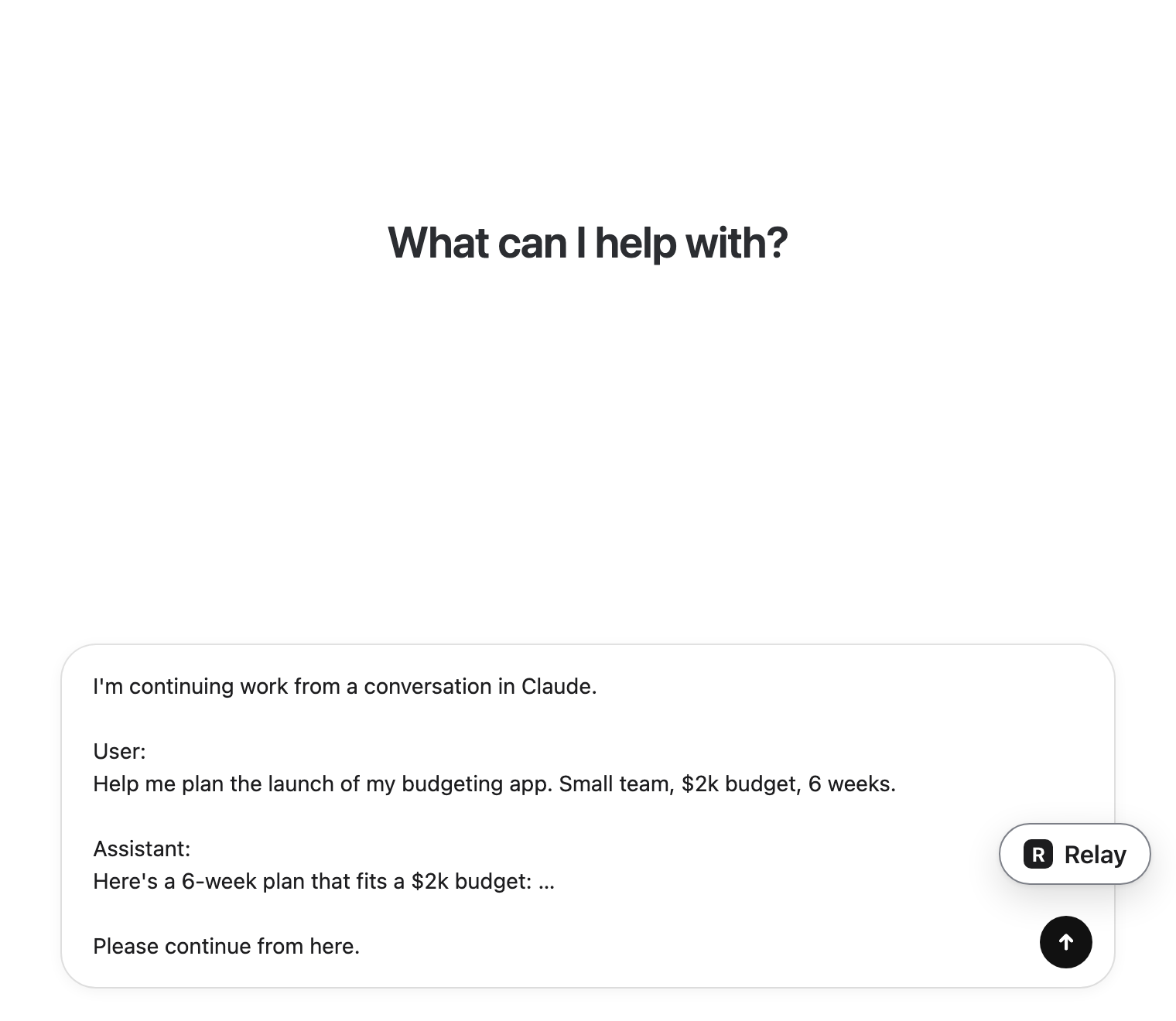 Carry on thereIt lands in the message box. You press send.
What to include
- The goal: what you're trying to get done, in one or two sentences.
- Decisions you've made, so the AI doesn't reopen them.
- Constraints: budget, tools, length, tone, deadlines.
- The current state: the latest draft, plan or code.
- The next step: what you want from this chat.
What to leave out
Detours, abandoned ideas and earlier drafts. They cost space in the context window and can pull the AI back toward things you already rejected. If an abandoned idea matters, say so in one line: "We tried X and dropped it because Y."
Full transcript or summary?
A summary is short, but it's only as good as whoever wrote it, and details get lost. A transcript of the messages that matter keeps the exact wording of decisions and the latest version of the work. For most hand-offs, a trimmed transcript plus one line about what you want next works best.
Doing it without copy-paste
Relay builds that trimmed transcript for you. Click Relay in a ChatGPT, Claude or Gemini chat, untick the detours, read the preview, and the other AI opens with it in the message box. It starts with "I'm continuing work from a conversation in …" so the new AI knows what it's looking at.