 Relay
- Relay vs copy and pasteCopy-paste is free and works everywhere. When it's enough, and when a long conversation makes Relay the faster, less error-prone way to move a chat between ChatGPT, Claude and Gemini.
- Relay vs share linksChatGPT, Claude and Gemini can all make a share link to a chat. Why that link usually doesn't help another AI, and what to use instead.
- Relay vs exporting your chatsData exports give you your whole history as a download. When that's what you need, and why it's the slow way to move one conversation to another AI.
What Relay looks like
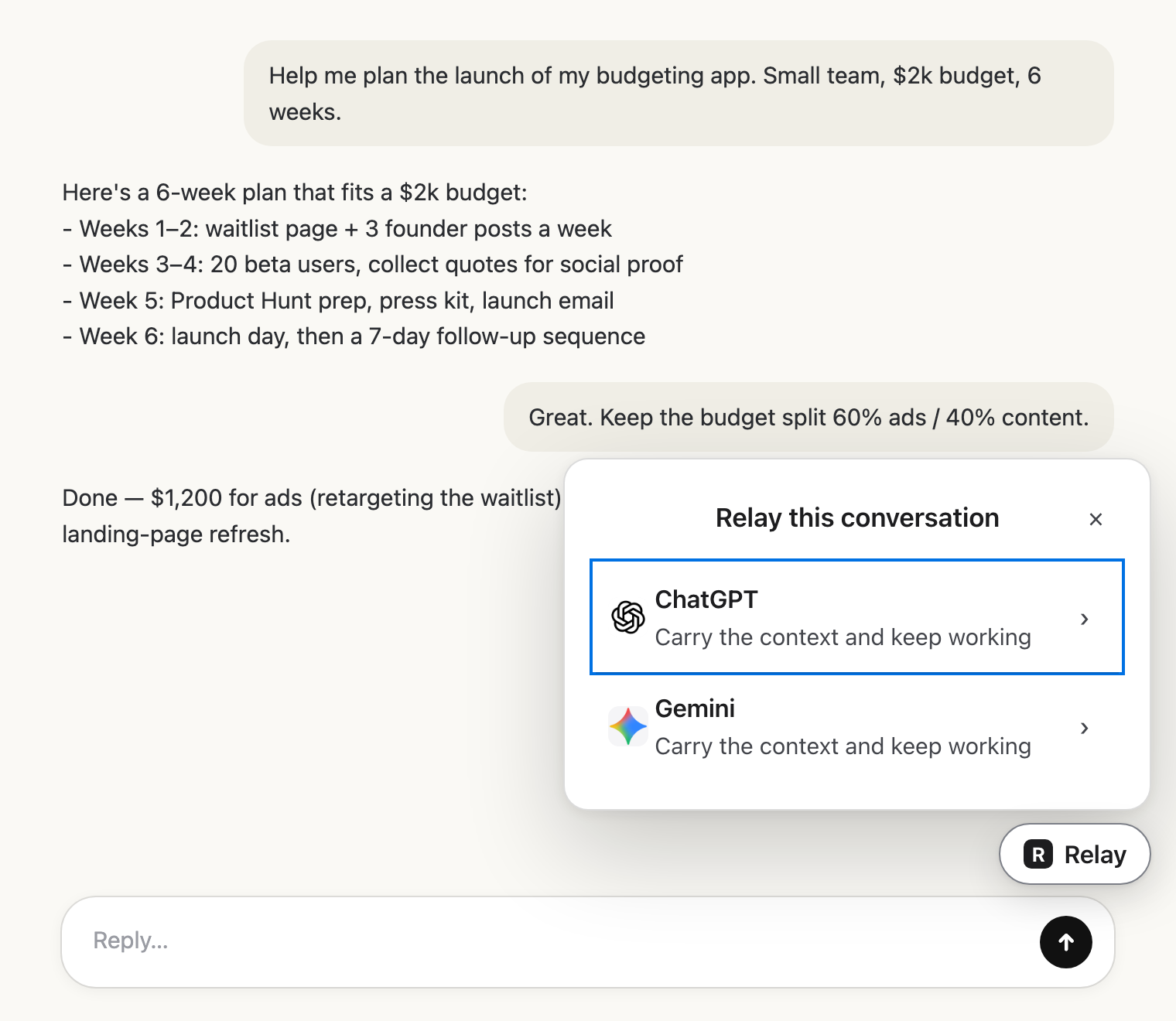 Pick the next AIClick Relay in the chat and choose where it goes.
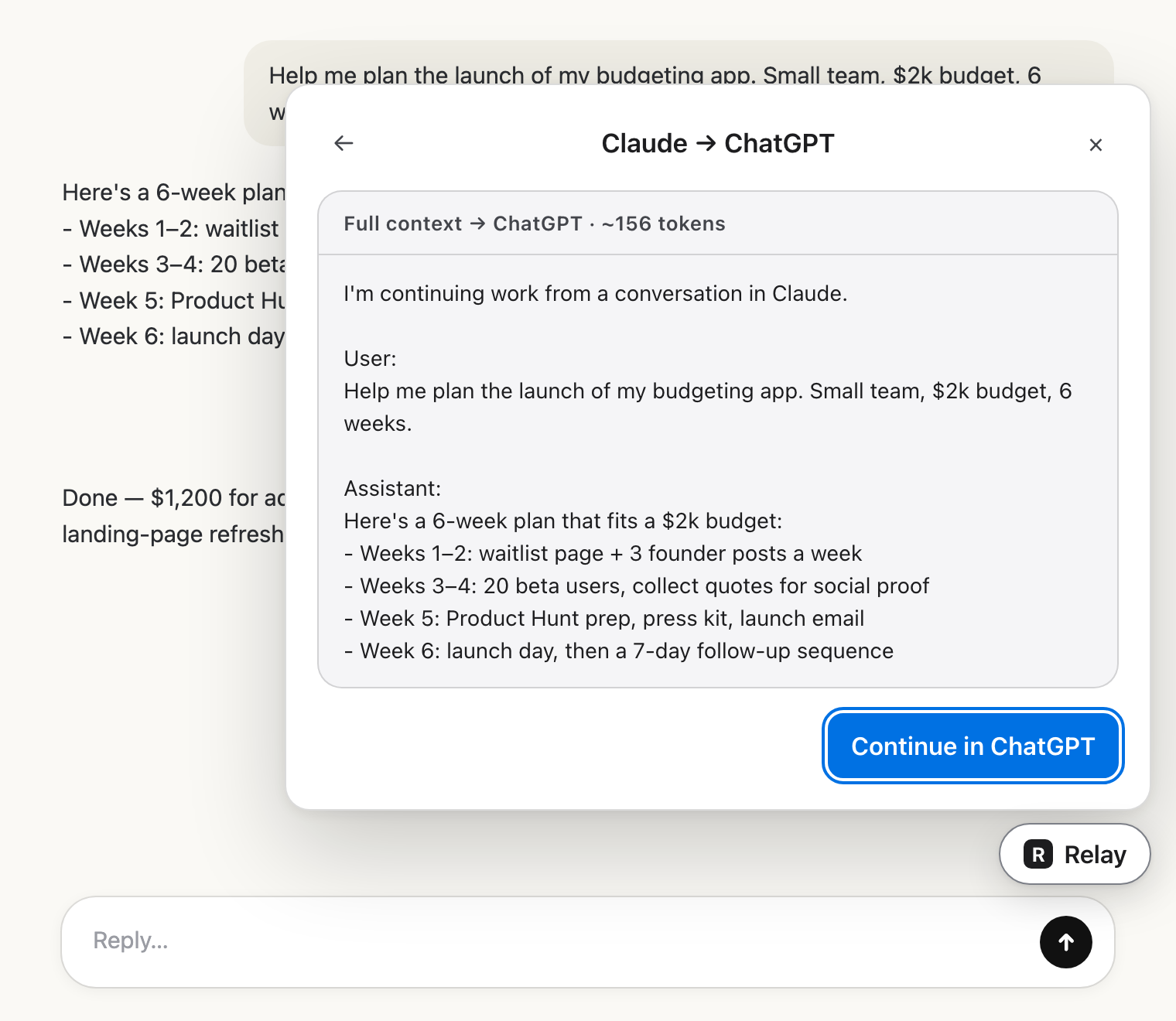 Check the hand-offRead exactly what the other AI will get.
 Carry on thereIt lands in the message box. You press send.