 Relay
The copy button under each ChatGPT reply copies that one reply. For a long conversation that's a lot of clicking, and your own messages need copying separately.
Doing it with Relay
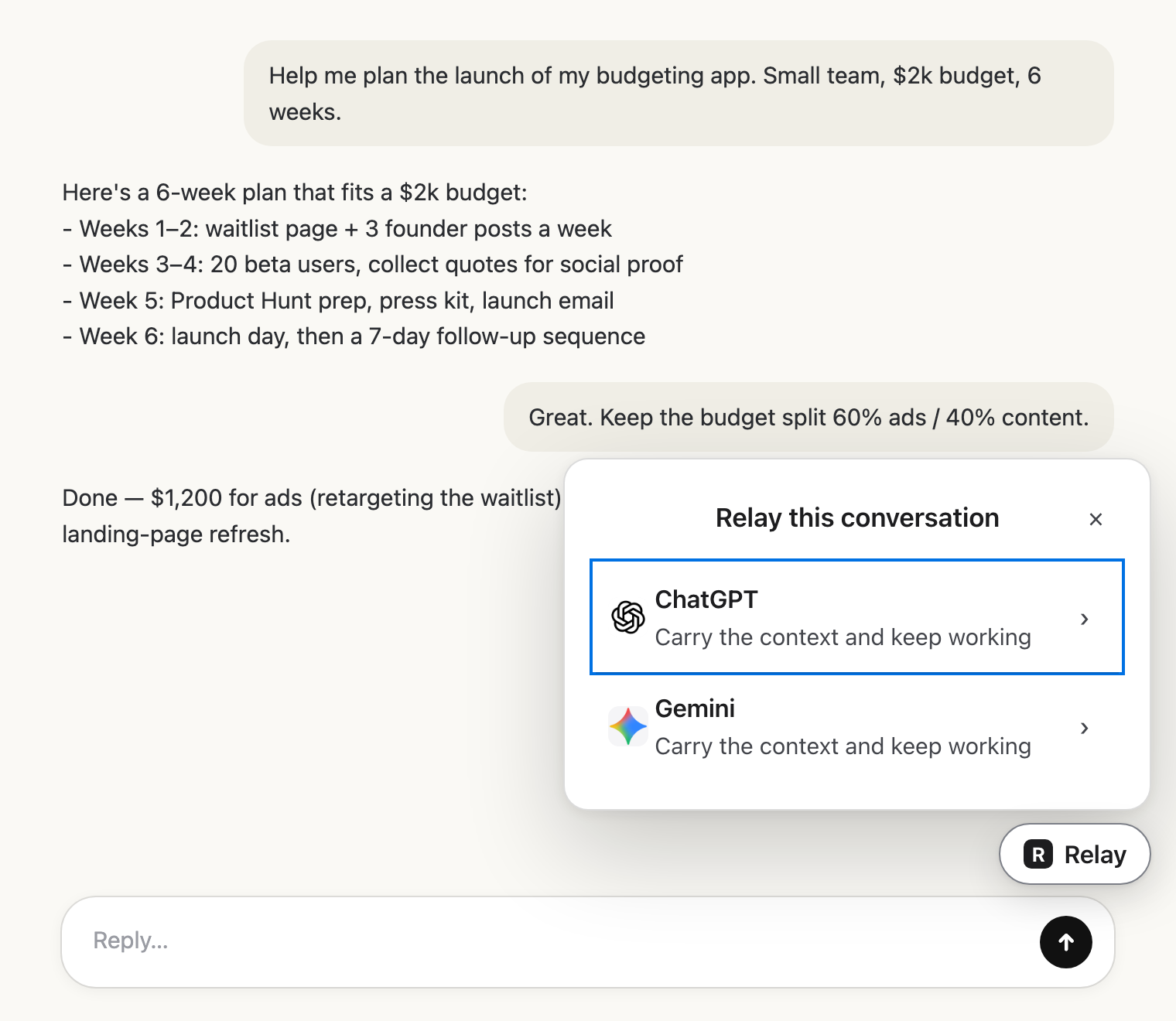 Pick the next AIClick Relay in the chat and choose where it goes.
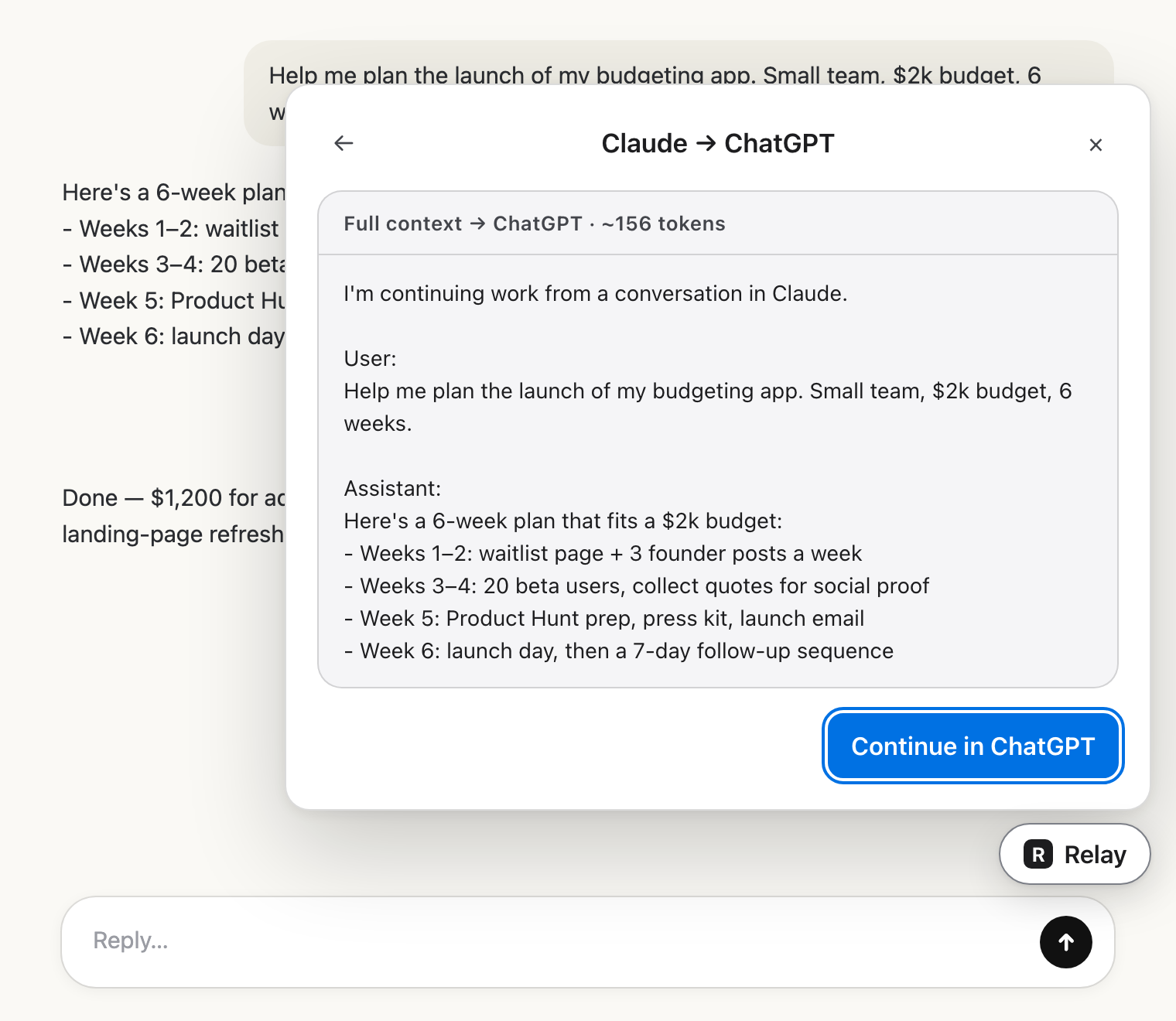 Check the hand-offRead exactly what the other AI will get.
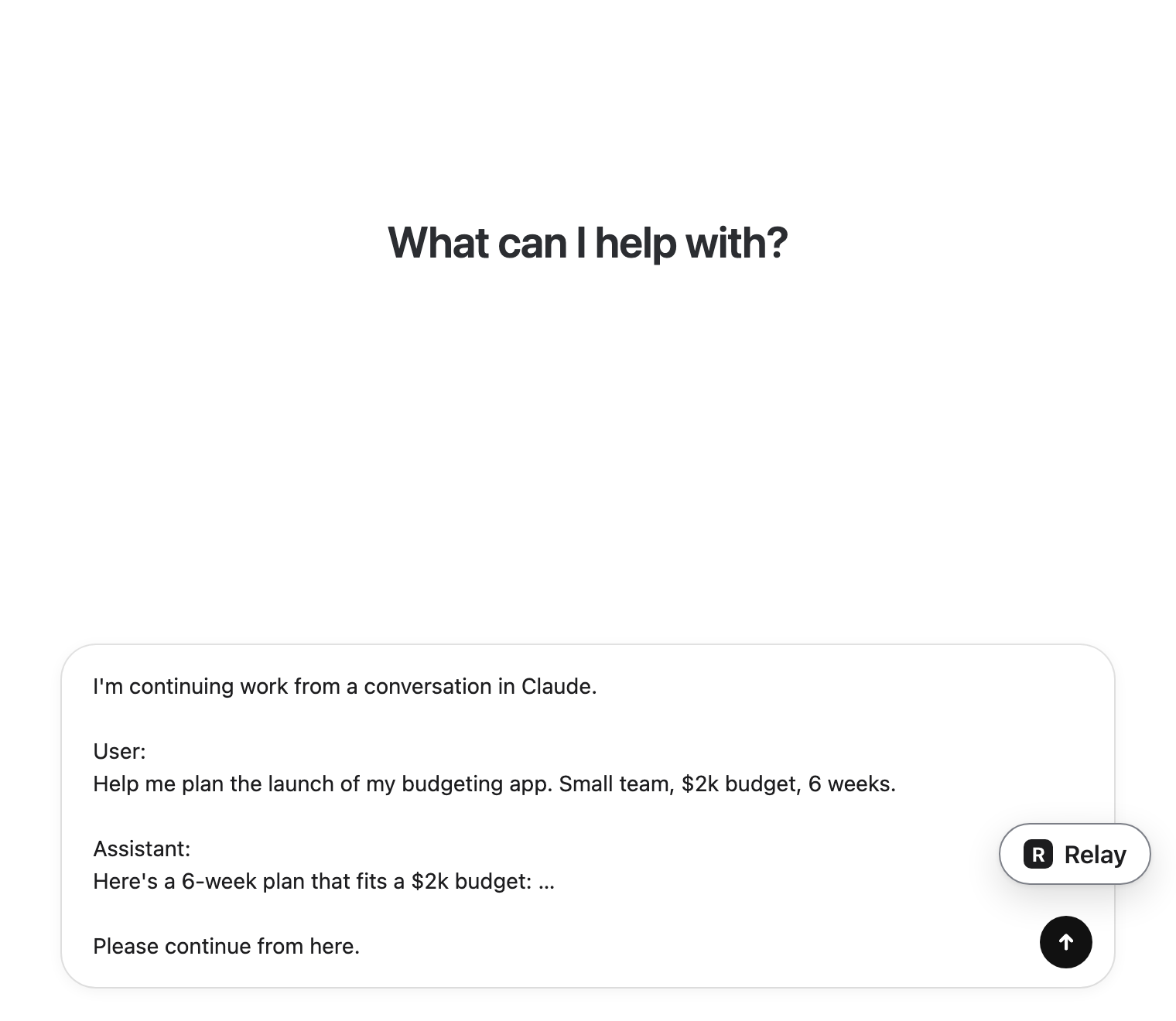 Carry on thereIt lands in the message box. You press send.
Your options
- Select and copy the page text. Quick, but you pick up buttons and labels along with the messages, and very long chats may not fully load.
- Click Share to create a link. Good for showing a person, but it isn't text you can paste anywhere.
- Settings → Data controls → Export data. You get every conversation you've ever had, by email, and need to find the one you wanted.
- Copy message by message. Accurate, but slow for anything long.
If the goal is to continue in another AI
Most people copy a whole chat because they want to keep going somewhere else. In that case, skip the clipboard. Relay reads the conversation, lets you untick what you don't need, and puts it straight into Claude's or Gemini's message box.